Skin Texture
Real skin has pores, uneven tone, and texture that catches the light. If the face looks like a smooth, airbrushed surface, it is already failing the realism test.
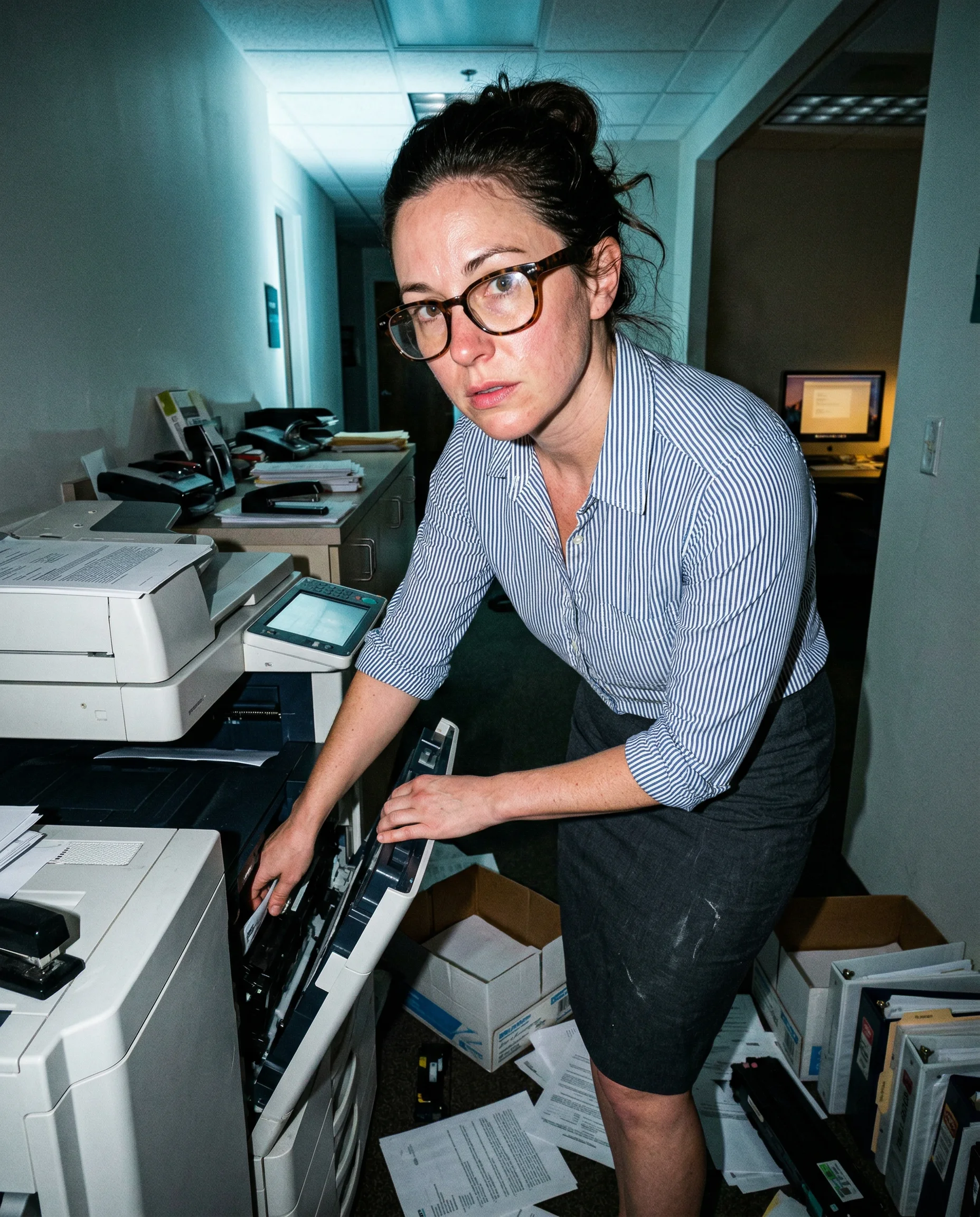

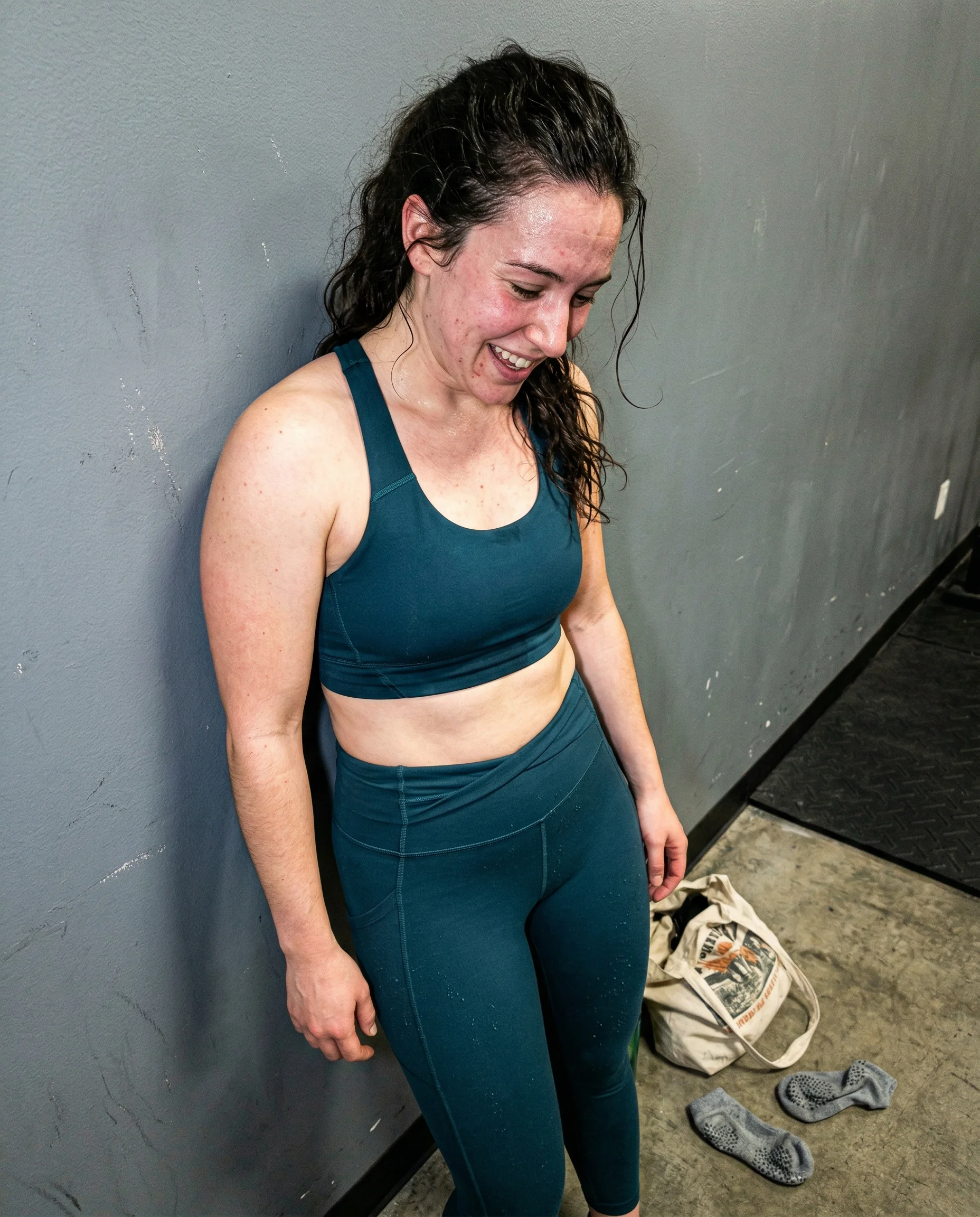
Pores and micro-shadows under direct flash
If the skin looks smoother than the desk or the carpet, the image is already lying. Direct flash is the best tool to break that polish. It creates tiny, sharp shadows inside every pore and wrinkle, which stops the face from looking like a flat, synthetic surface. When the light hits the nose or the upper cheeks, it should reveal the actual topography of the skin rather than a blurred, uniform glow. If the model is giving you a face that looks like it was dipped in wax, stop asking for soft lighting and start asking for a harsh, phone-camera flash that catches every imperfection.
T-zone shine and uneven tone
Perfectly matte skin is where the lie starts. Real skin has a natural, oily sheen, especially around the forehead, nose, and chin after a long day. If the face is completely dry and uniform, it looks like a render. You want the light to catch a little bit of grease or sweat to show that the person is actually in the room. If the skin tone is too consistent, it looks like a filter. Ask for a flushed, uneven complexion or a bit of redness around the nose. These small, messy details make the face feel like it belongs in the same frame as the scuffed walls or the tangled cables.
Peach fuzz and stray hair
Fine, light hair on the cheeks and forehead is the first thing to disappear when an image gets over-processed. If you cannot see the faint peach fuzz where the flash hits the side of the face, the model has smoothed the texture away. This fuzz is a dead giveaway for a real photograph. It catches the light in a way that digital smoothing cannot replicate. If the face looks too clean, look for the stray hairs escaping a bun or the tiny tendrils sticking to a sweaty forehead. These messy, unstyled details are the only things keeping the image from looking like a corporate stock photo.
Skin Texture questions people search for
Short answers about skin texture without turning the page into a help-center article.
Why does my AI skin look like plastic?
The model is trying to be helpful by cleaning up the image. If you do not force it to show pores, blemishes, or uneven tone, it defaults to a smooth, airbrushed finish that looks like a mannequin.
How do I get realistic skin texture in a prompt?
Ask for specific lighting like harsh direct flash. This forces the camera to pick up micro-shadows, pores, and T-zone shine instead of washing everything out with a soft, flattering glow.
Should I use words like 'photorealistic' to fix skin?
No. That usually makes the model lean harder into a polished, stock-photo aesthetic. Focus on the physical environment, like bad office lighting or sweat, and the skin will follow.
Where this rule shows up hardest

More realism guides